
Embed your entire BI stack inside one branded portal
Power BI, Tableau, QuickSight and more, shared with customers, partners and teams under your brand. Unlimited viewers on a flat plan.
14-day free trial. Unlimited viewers.
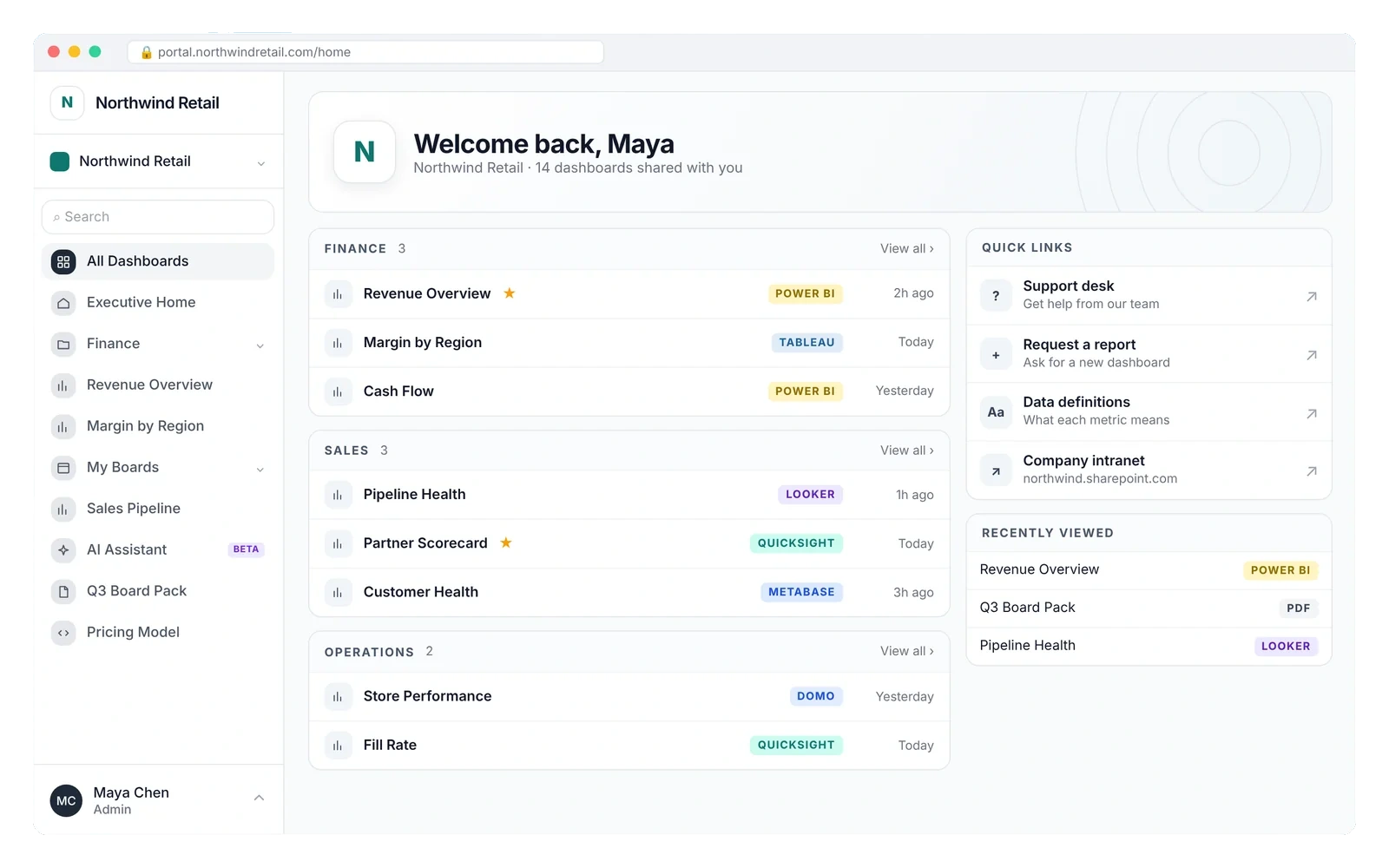
Your dashboards, wherever you built them
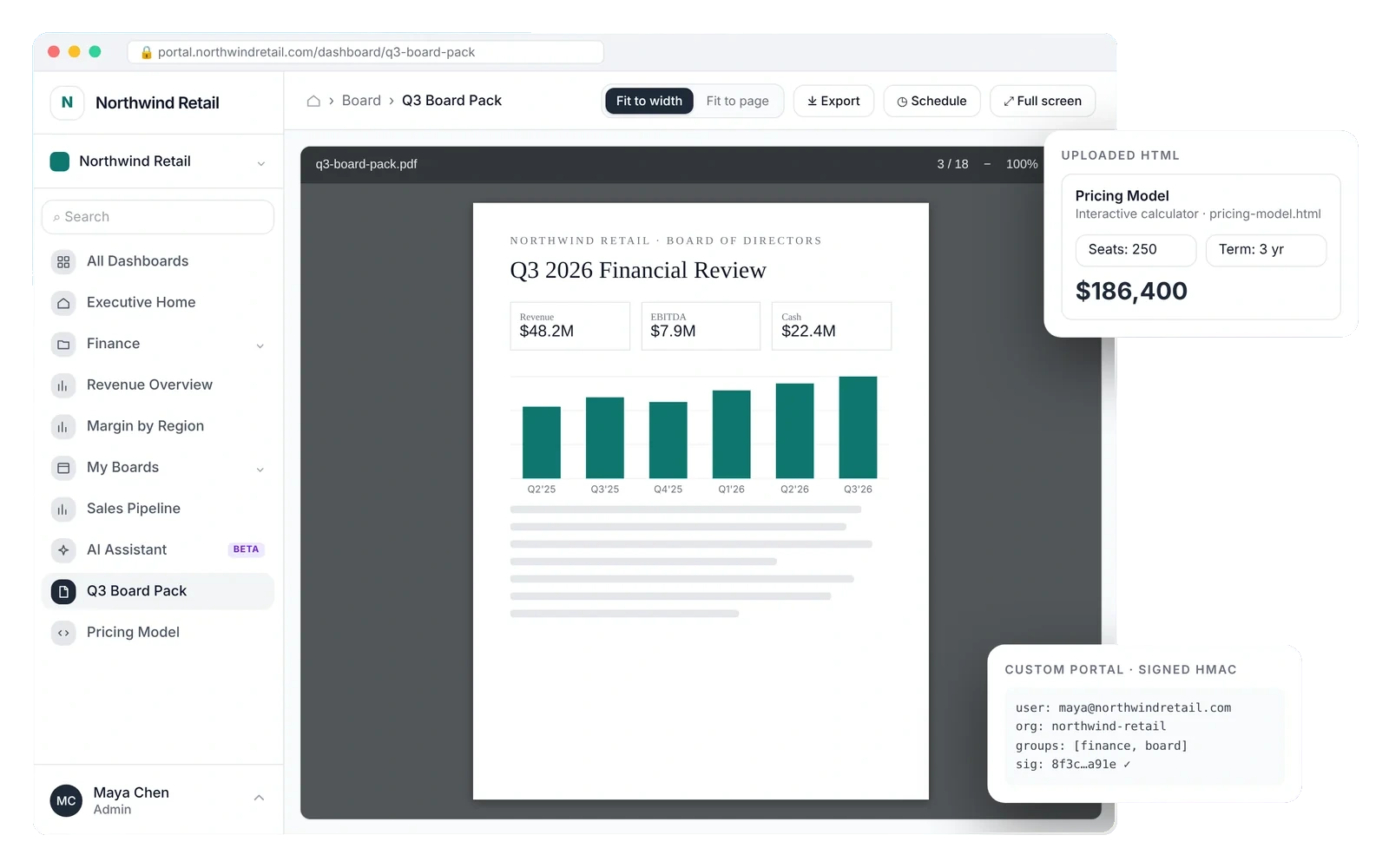
Pick a tool to see how it looks inside the portal. Viewers get one login and one menu, whichever tool is underneath.
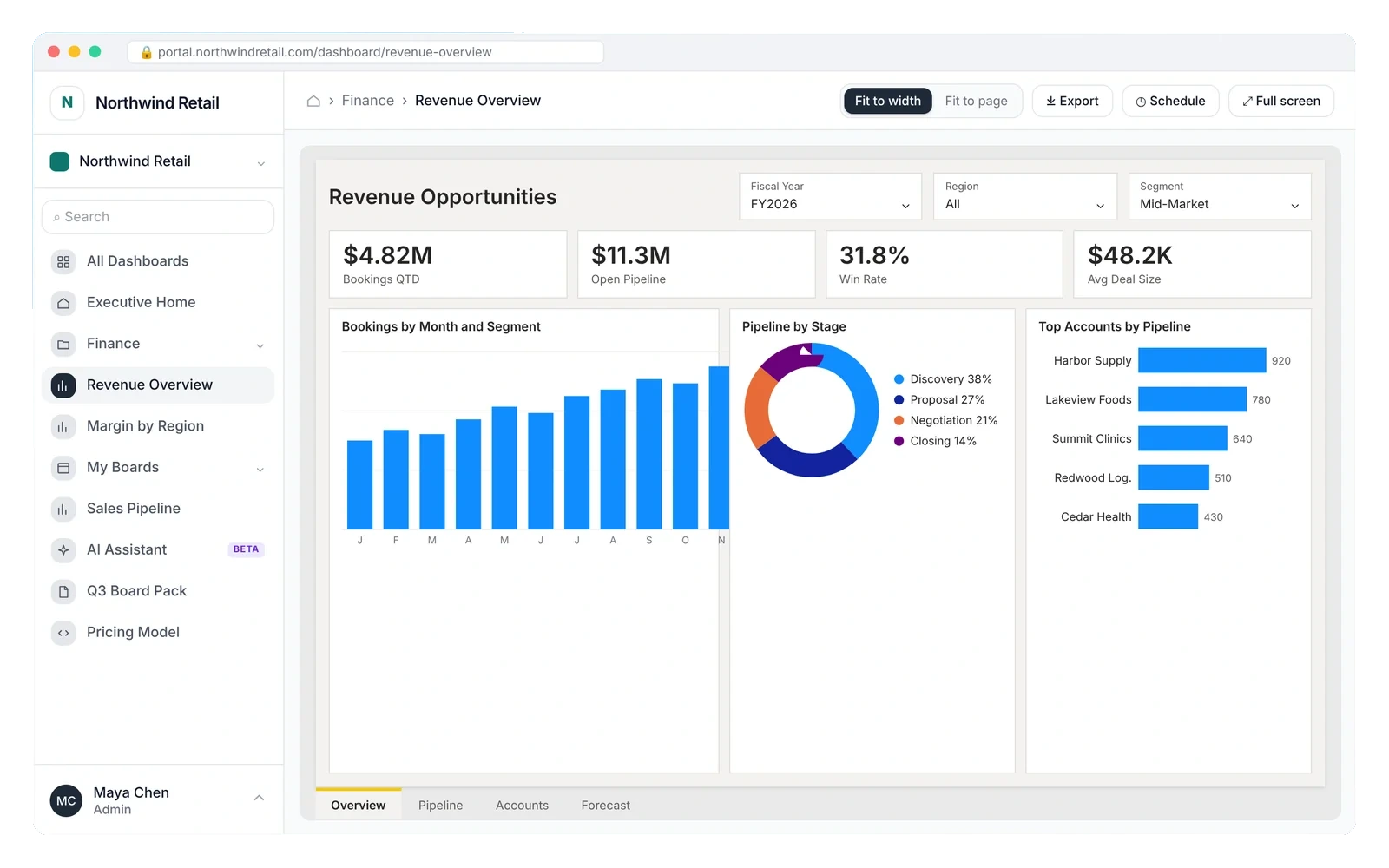
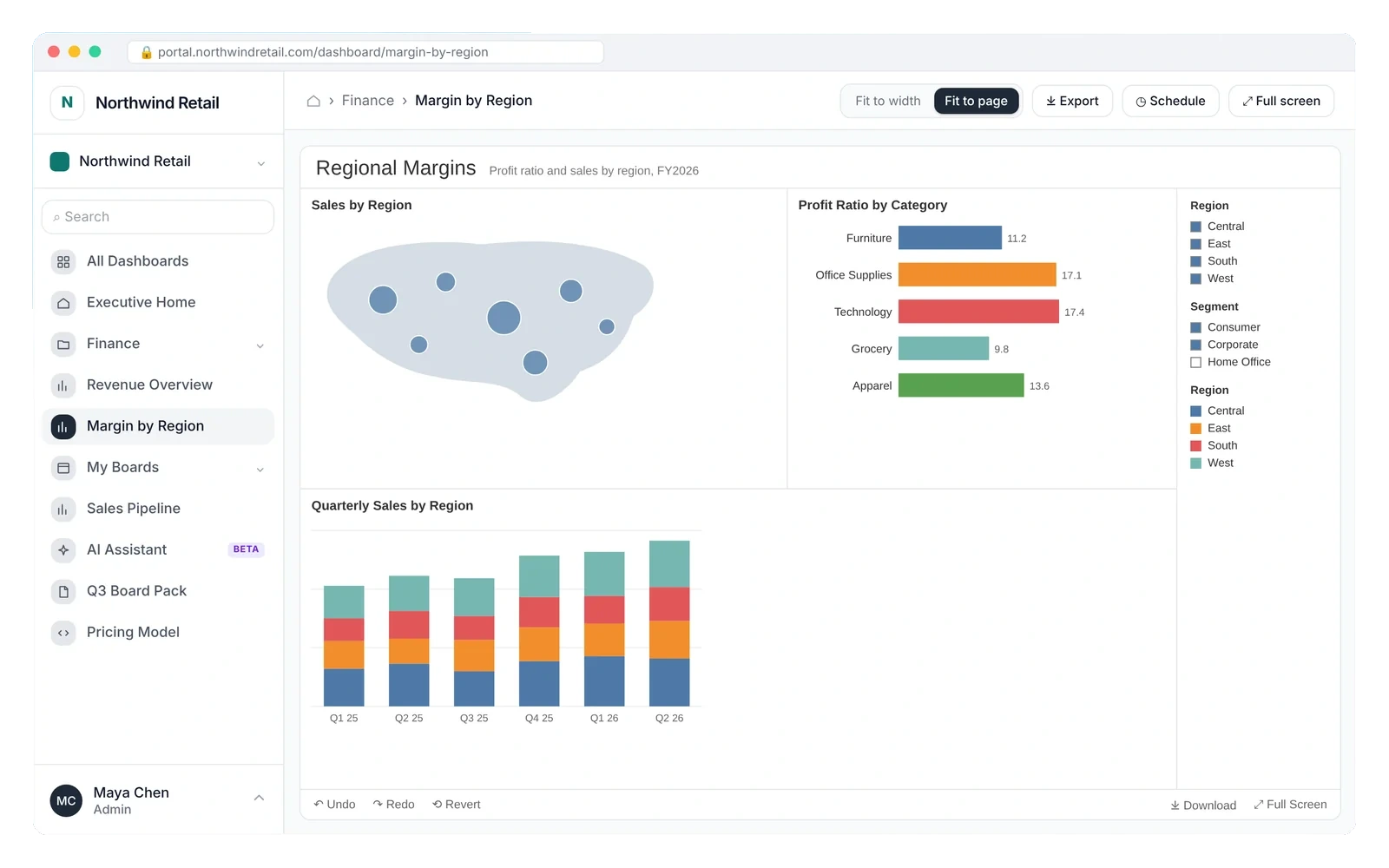
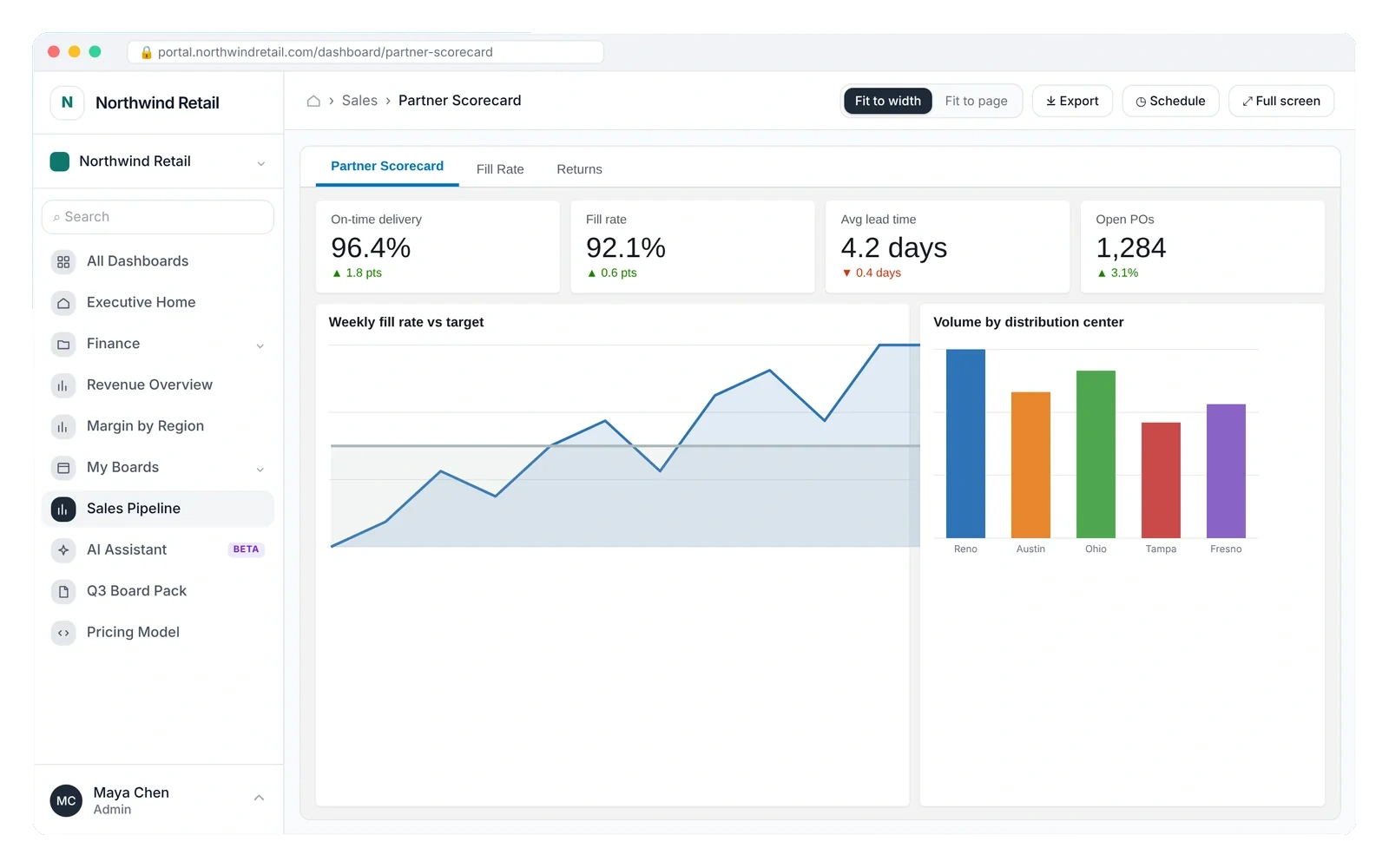
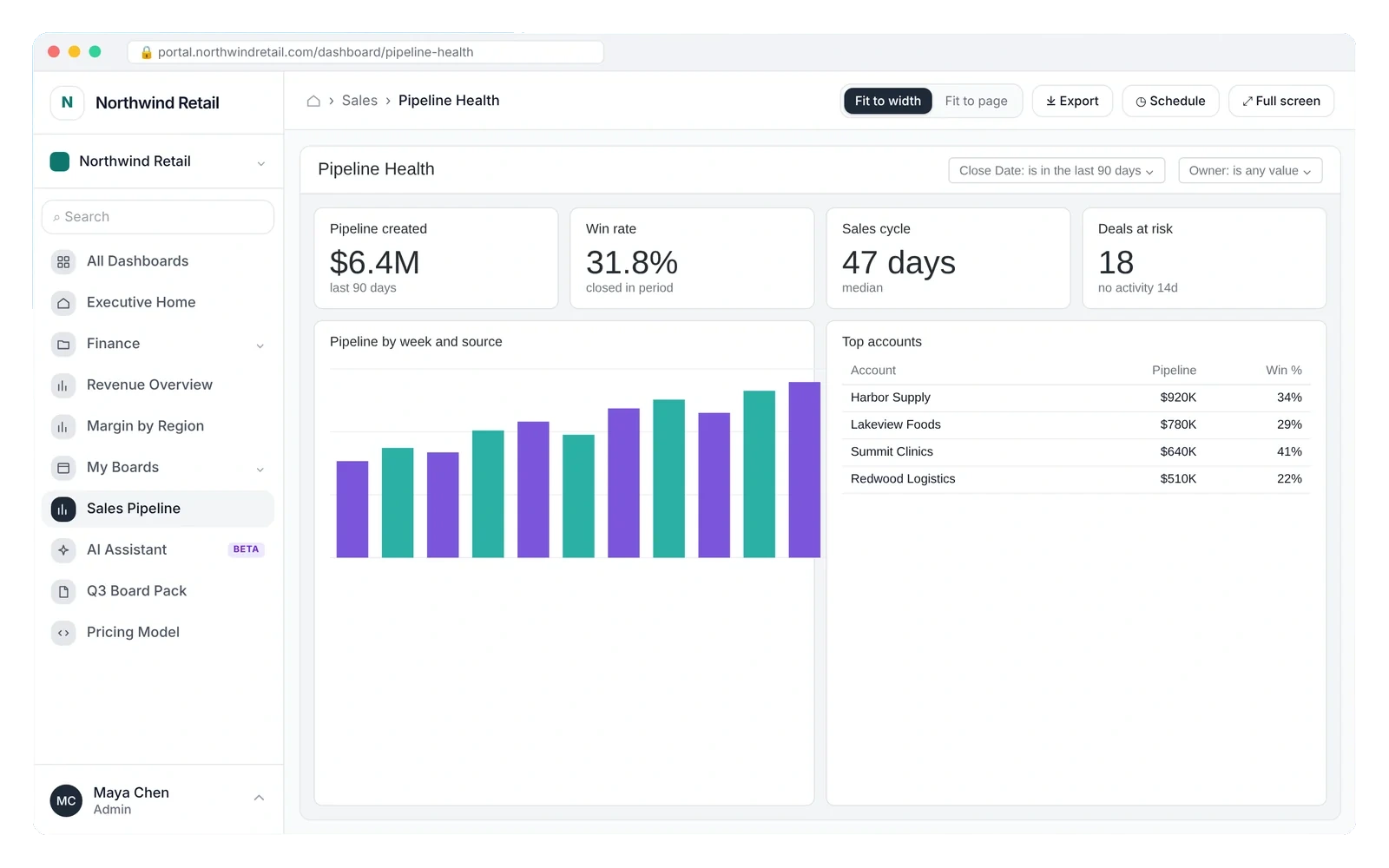
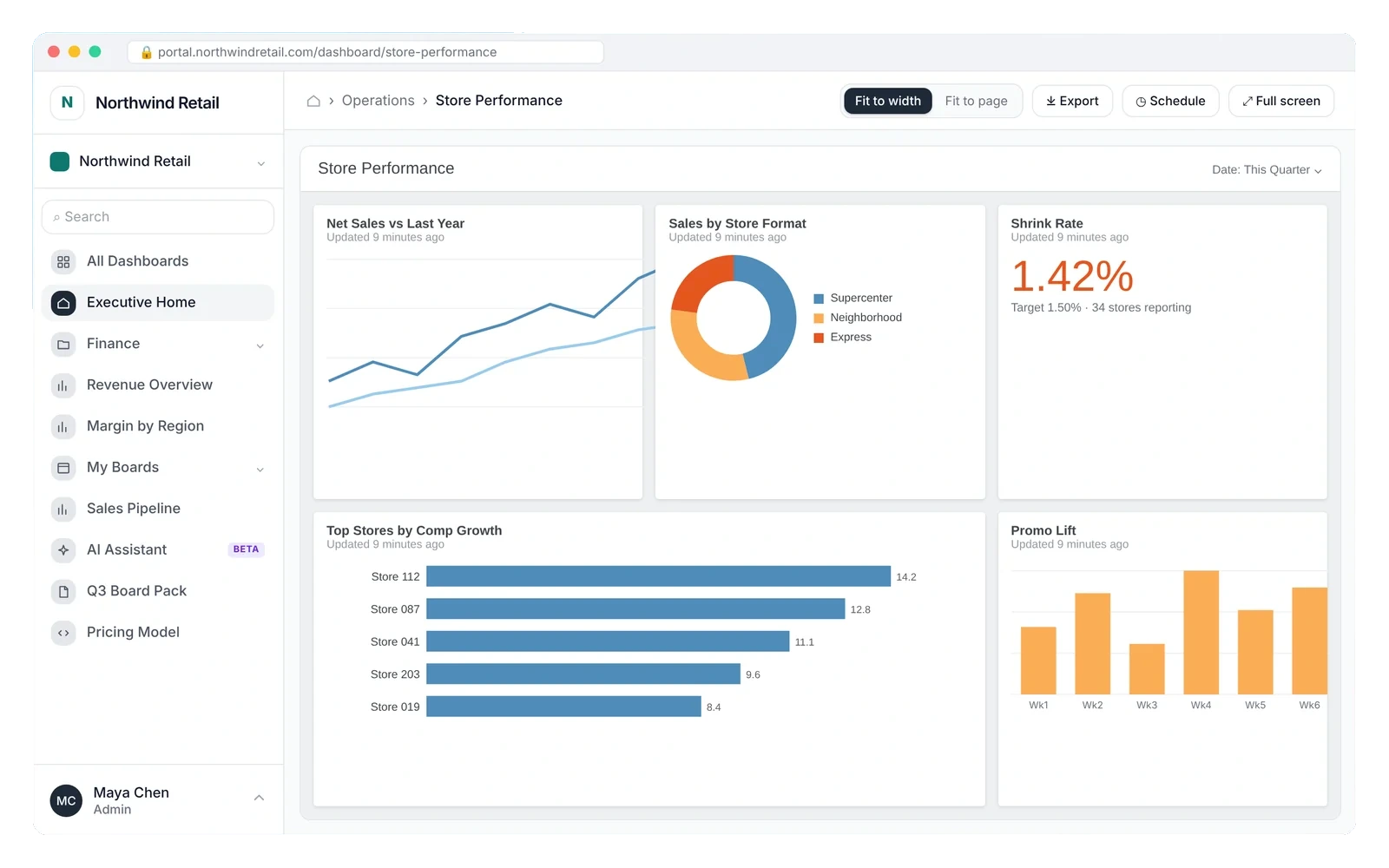
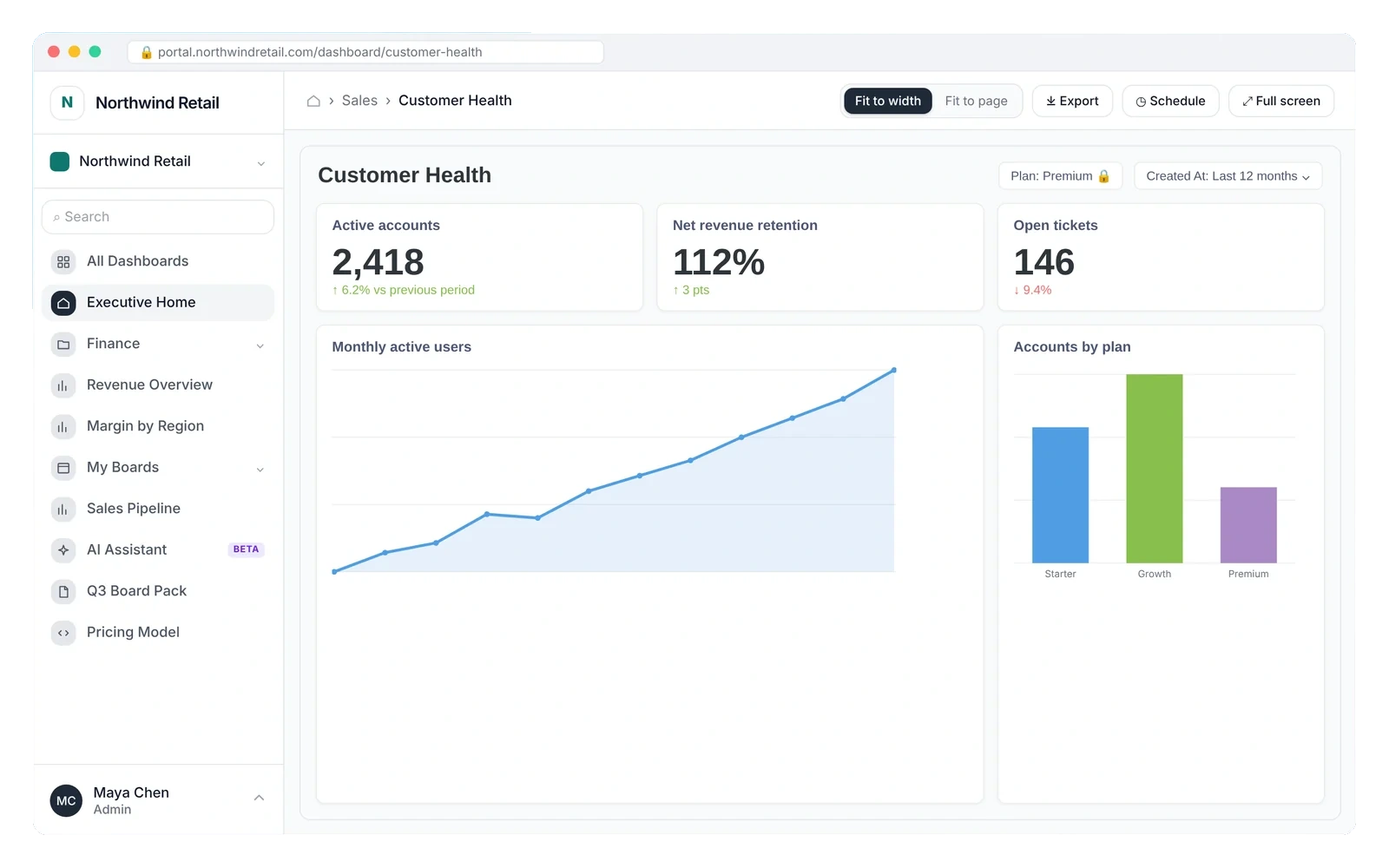
Built for how you share data
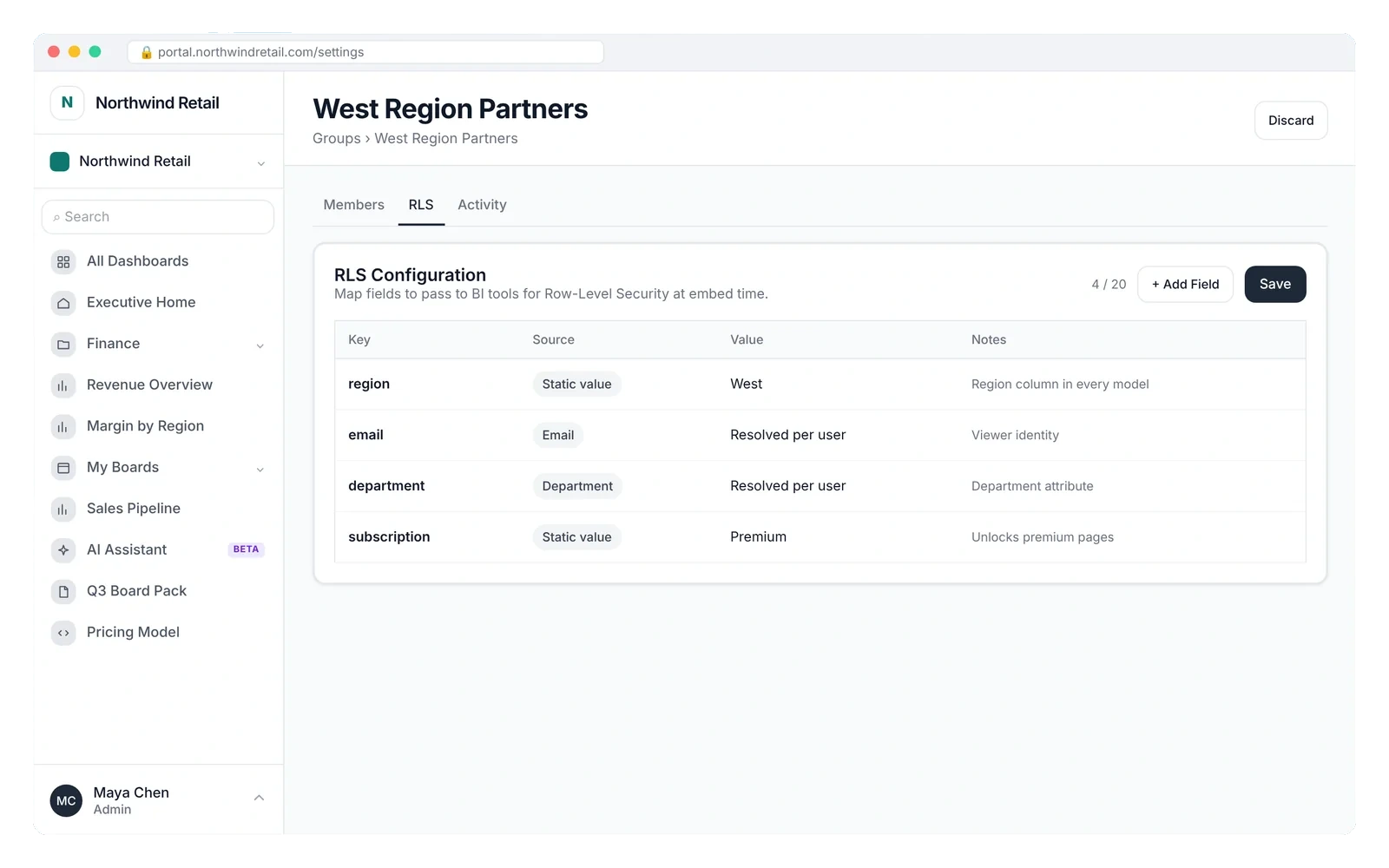
Give every customer an analytics tab
- Each customer sees only their own rows
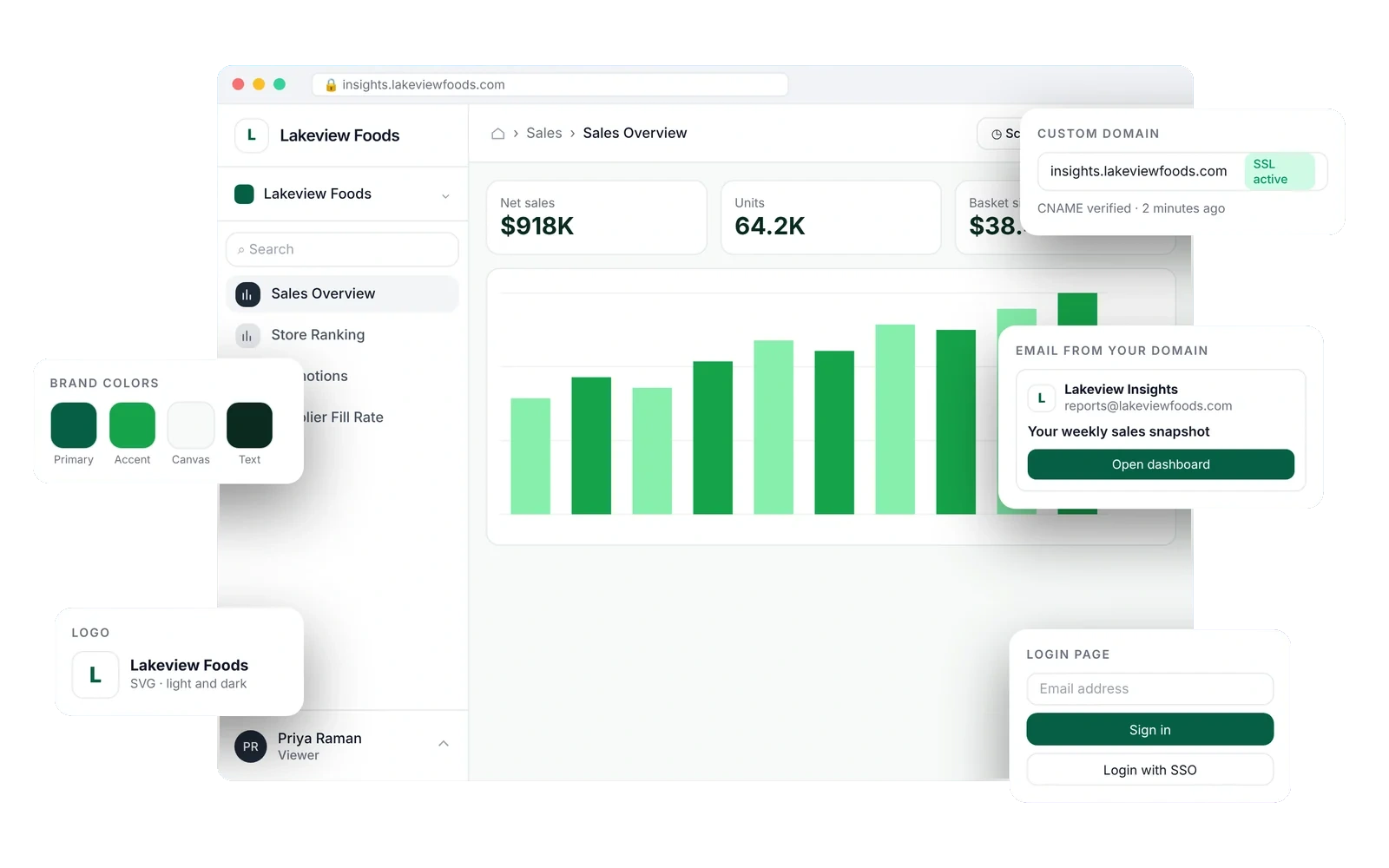
- Your logo, colors and domain
- Invite by email or turn on SSO
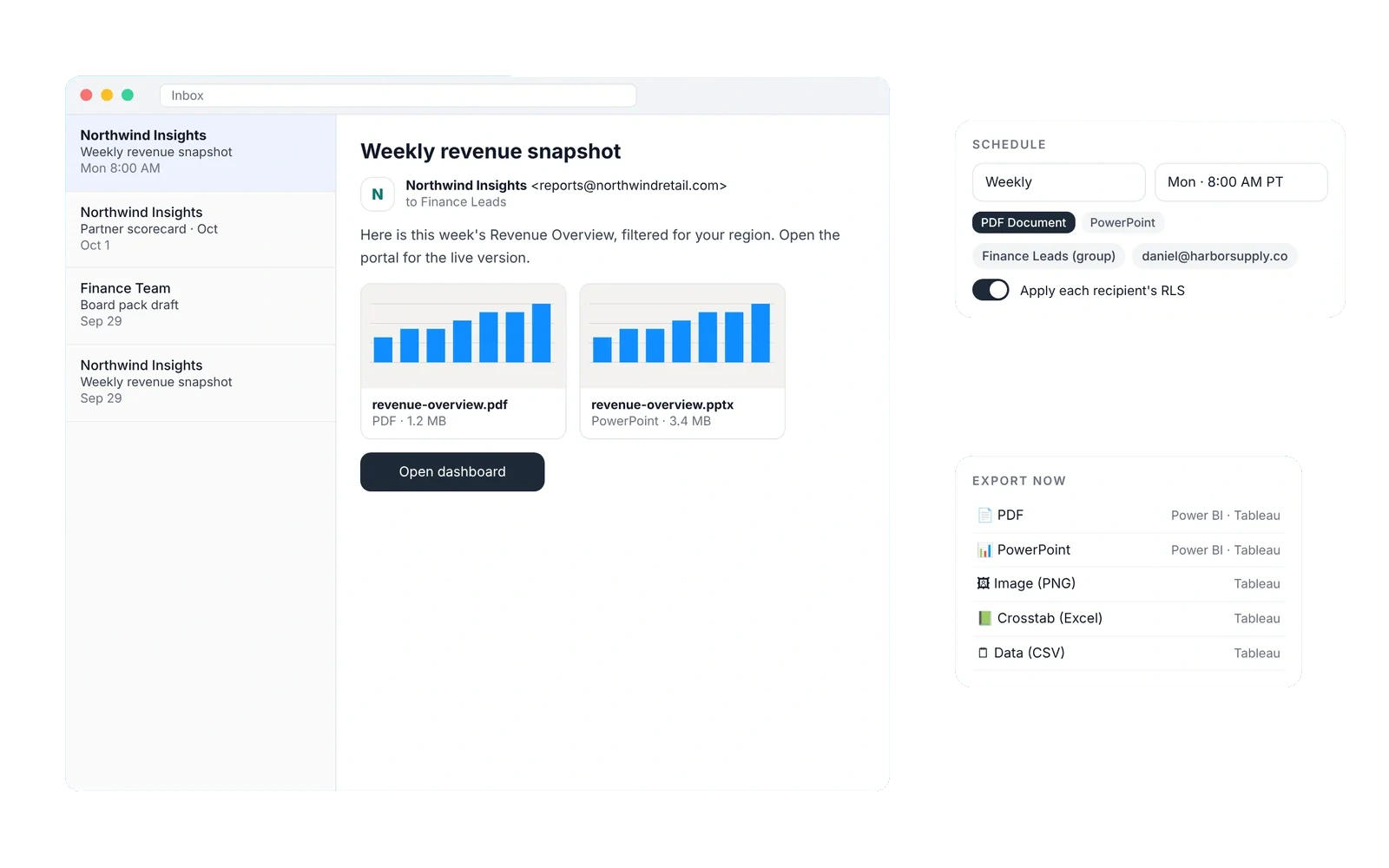
Deliver client reports under your brand
- Replace emailed exports with one link
- Scheduled PDF and PowerPoint delivery
- See which clients open what
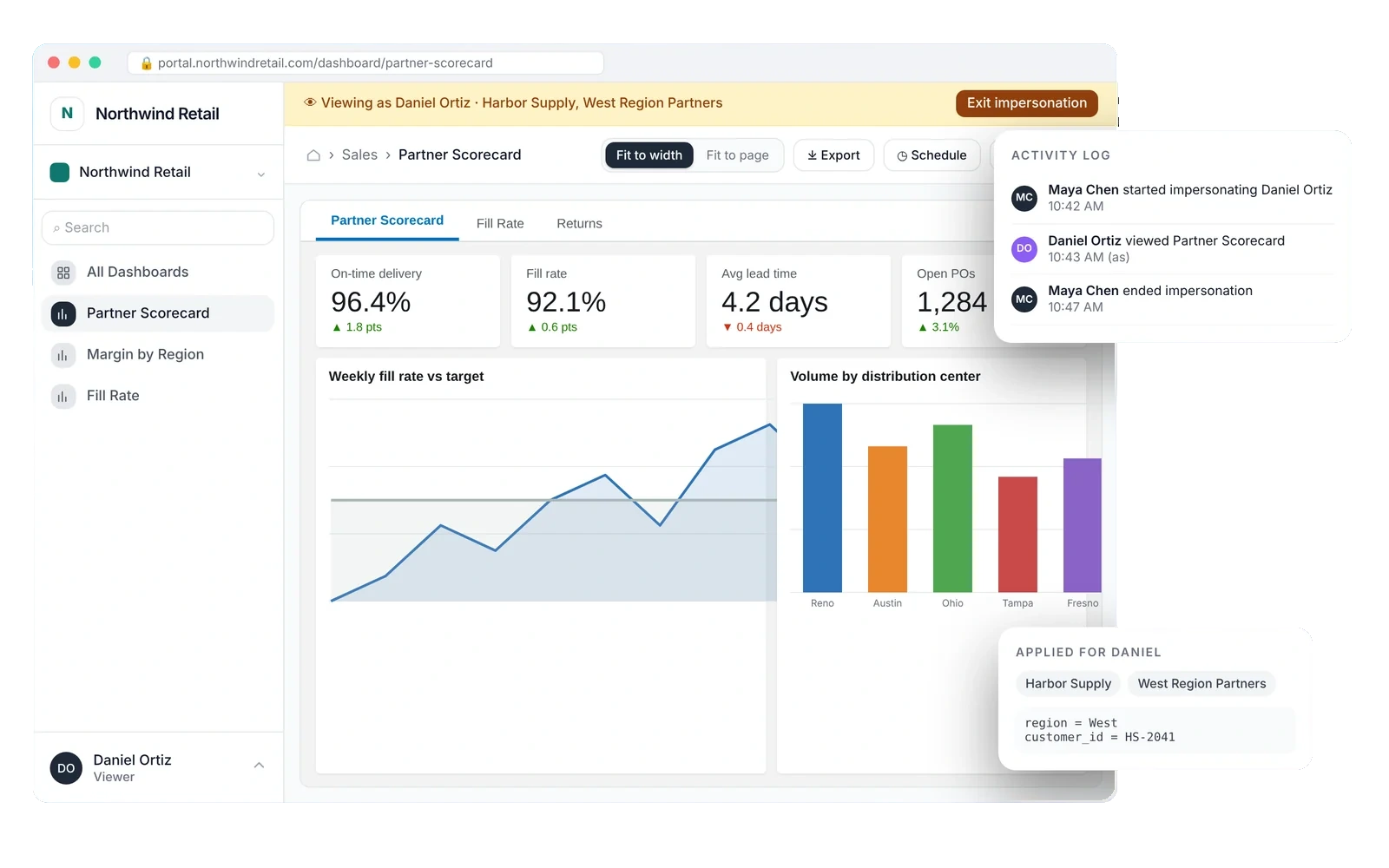
Share dashboards with suppliers and distributors
- No BI seat for every partner viewer
- One dashboard filtered per partner
- Check access with impersonation
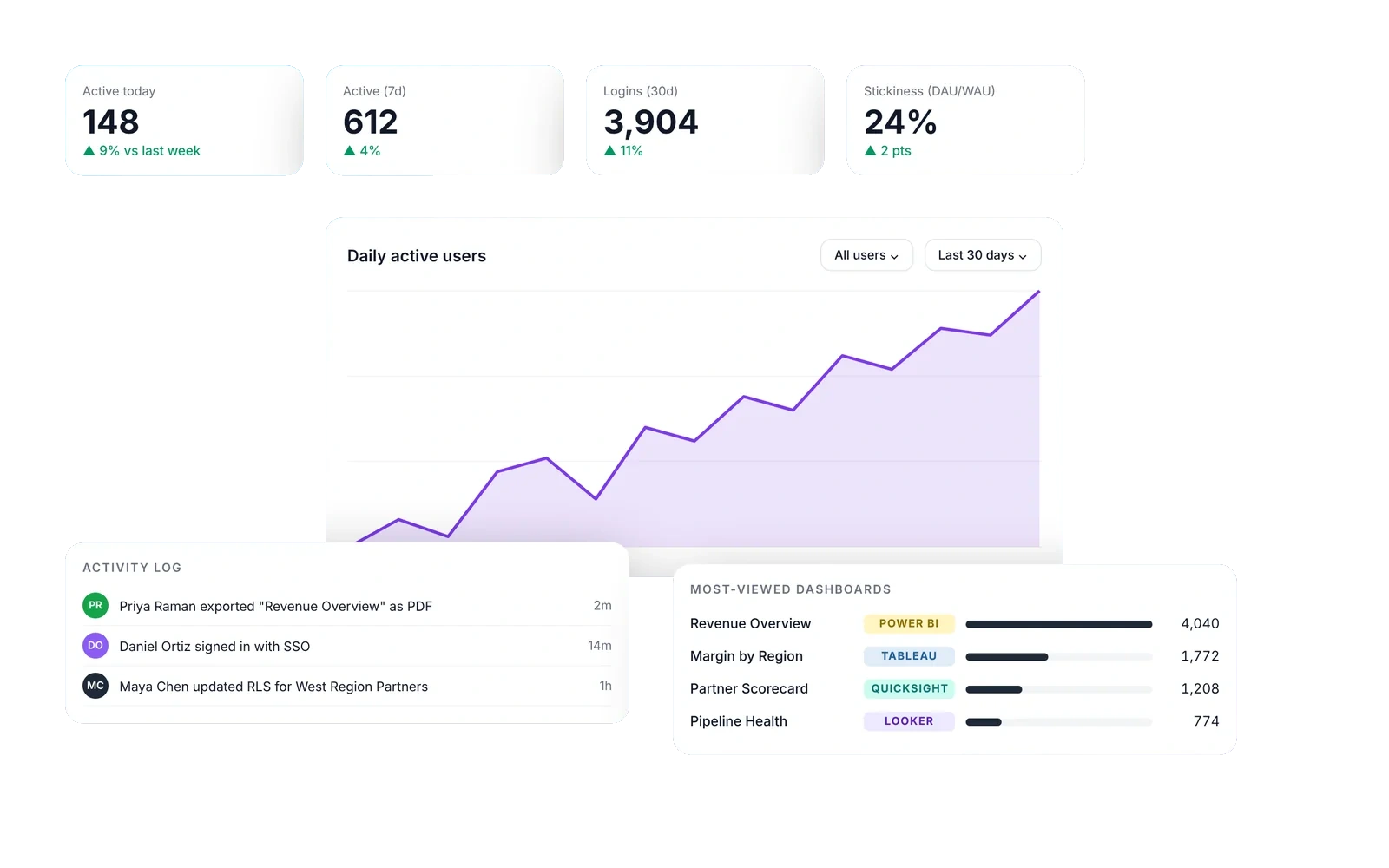
One home for every department
- Folders by team, with quick links
- SSO and auto-logout
- Usage analytics to retire unused reports
All the controls around the embed
Security, branding and insight, ready on day one.
Live in under an hour
Three steps from your BI tool to a branded portal.
Connect your BI tool
Add credentials for Power BI, Tableau, QuickSight, Looker, Domo or Metabase. Your data stays where it is.
About 5 minSet up groups and row-level security
Create a group for each customer or team and map the fields that filter their rows.
About 20 minInvite viewers
Send invites or turn on SSO. Viewers sign in to your branded portal and see only what they should.
About 10 minYour data stays in your BI tool
EmbedPortal stores connection settings and portal configuration. Reports and datasets stay in Power BI, Tableau or wherever you built them.
Security details- Row-level security passed to your BI tool every time a dashboard loads
- SAML single sign-on with groups from your identity provider
- Auto-logout and periodic access reviews
- Impersonation to check exactly what a viewer sees
- Activity log of logins, views and exports
Trusted by the teams we build for
The team built out a full flow for us from CSV files to Google Sheets to BigQuery to a Looker dashboard. Work was done efficiently and well. Project completed successfully, and we are satisfied with the results.
Exceptional support in creating and publishing Tableau dashboards, seamlessly replicating complex visualizations from Power BI to Tableau. Expertise, attention to detail, and clear communication made the process smooth and efficient.
Streamlined our reporting end to end, from pipeline to dashboard. Clarity, speed, and technical depth made the whole thing easy.
Flat plans with unlimited viewers. No per-viewer fees.
Already have dashboards?
Connect your BI tool and share them in a branded portal. Plans from $249 a month.
Start free trialNeed dashboards built?
Our analytics team designs and builds them in Power BI, Tableau, Looker, QuickSight and more. Fixed-price projects, scoped on a free call.
Request a consultationQuestions people ask before they start
What is EmbedPortal?
EmbedPortal is a white-label portal for sharing dashboards. You connect Power BI, Tableau, Amazon QuickSight, Looker, Domo or Metabase, and share the dashboards with customers, partners or internal teams under your own brand.
How do I embed a Power BI dashboard for external users?
Connect your Power BI workspace with a service principal, add the report in EmbedPortal and assign it to a group. Reports are embedded on your Fabric or Power BI Embedded capacity, and viewers sign in to your portal.
Do external viewers need a Power BI Pro license?
No. With embedding on Fabric or Power BI Embedded capacity, viewers authenticate to EmbedPortal instead of Power BI, so they do not need Pro licenses.
Can I embed Tableau dashboards without writing code?
Yes. Connect Tableau Cloud or Server once, pick the view and choose who can see it. You can set default filters and parameters per user from the admin.
How does row-level security work?
You map fields such as region or customer ID to each group. EmbedPortal passes those values to your BI tool at embed time, so one dashboard shows each viewer only their rows.
Can I use my own domain and branding?
Yes. Add your logo and colors, use a custom domain such as insights.yourcompany.com, and send emails from your own address. Each customer organization can have its own branding.
Can I share files that are not BI dashboards?
Yes. You can upload HTML files, PDFs and images, add custom links, or embed your own web app with a signed token.
Is EmbedPortal only for customer-facing analytics?
No. Teams also use it as an internal portal for departments, with SSO, groups and row-level security.
How much does EmbedPortal cost?
Plans start at $249 a month, billed annually, with unlimited viewers. Professional is $499 a month, and Enterprise is custom.
How long does setup take?
Most teams connect a BI tool and share a first dashboard in under an hour. White-glove onboarding is available for $149 per tenant.
Share your first dashboard today
14-day free trial. Unlimited viewers on every plan.